
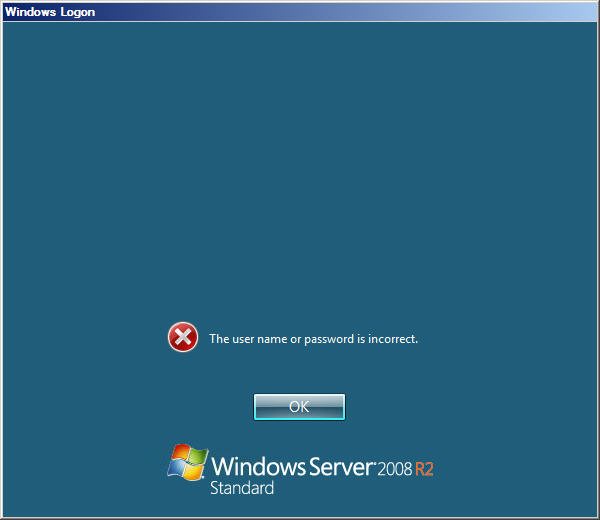
If you are using ICA files to connect to a XenApp farm for whatever reason, and you are running Citrix Receiver Enterprise, it will attempt to passthrough credentials by default if you have setup Receiver to allow passthrough authentication using the ADM template. This is bad when you are trying to connect to a different domain because you will get the “The user name or password is incorrect” logon error message every time you launch the ICA file. It is trying to pass the wrong credentials:
You really don’t want to change your ADM file settings because that will break functionality for other things. The best way around this is to add these two lines to your ICA file:
UseLocalUserAndPassword=Off

AutoLogonAllowed=Off
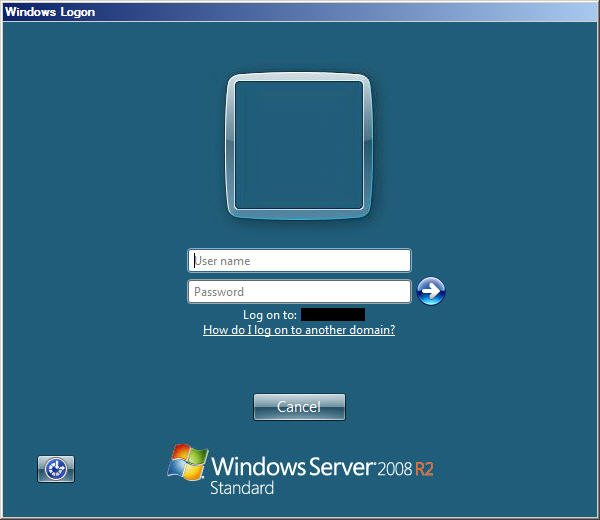
Once you do that, launching the ICA file will work correctly and will show the domain the server is a member of:



David
September 21, 2012 at 8:31 AM
Dear Jason
You might find it helpfull to redirect http to https. (if you dont know already)
http://www.ballblog.net/2009/01/cag-enterprise-redirect-incoming-http.html
You Blog is very usefull and well made.
keep up the good work
cheers David